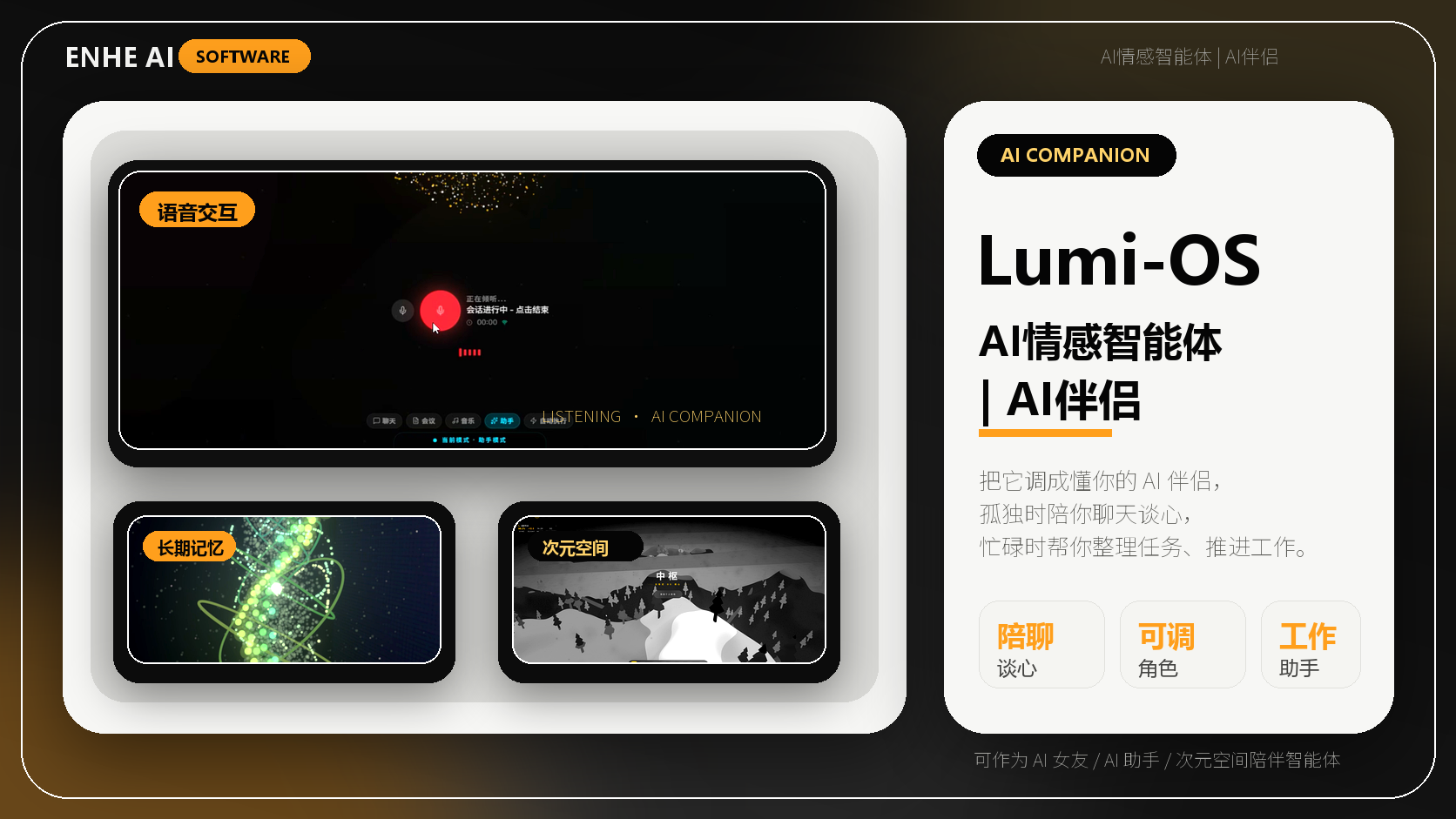
ENHE Tool Cover
LumiOS Personal AI Operating Companion
Bring memory, tool use, and a desktop workbench together so AI can help organize context and move the next step forward.
Version
V3.0.5
System requirement
Windows 10/11
This software is a paid download. Successful payment automatically unlocks this tool's download-link content.
Version updates
0 recordsImportant version notes will be added when availability, delivery details, or usage guidance changes. Review the current page information before purchase or use.
Before you use it
Review demos, requirements, version history, after-sales rules, and support before buying or using.
Demo/tutorial
Start with the written guide below to confirm the suitable scenario, access conditions, and practical usage steps.
System requirement
Windows 10/11
Version: V3.0.5
Update log
0 records
Version updatesSupport contact
Product introduction
Review core features, use cases, and delivery details.
Most AI products still feel like temporary chat windows: you ask, they answer, and every new session starts from zero. LumiOS is designed for something more durable. It turns AI into an agent companion that can help with work, stay aware of context, and offer a steady space when you need to talk, reflect, or reset.
For work, LumiOS can act as your desktop assistant. You can speak or type ideas, break down tasks, organize materials, connect models, call tools, and continue through research, writing, development, operations, or review workflows with less context switching.
For everyday emotional value, LumiOS can also become a companion space. It remembers your preferences, rhythm, and ongoing context, so conversations feel less like starting over and more like returning to someone who already understands the shape of your day.
The current product direction focuses on Windows desktop AI workflows, with support for cloud models, local models, OpenAI-compatible endpoints, voice interaction, long-term memory, MCP tools, and a local workbench. It is built for creators, developers, operators, students, and knowledge workers who want AI to become part of both their productivity and personal daily rhythm.
Key Features
- Work assistant: Turns unclear ideas into tasks, outlines, drafts, research paths, and next actions.
Emotional presence: Responds with warmth when you want to talk, reflect, decompress, or sort through your day.
Personal memory: Keeps preferences, context, project clues, and communication patterns available over time.
Voice companion: Makes AI easier to reach through natural voice-first interaction.
Agent actions: Connects models, tools, and MCP capabilities so AI can move from answering to doing.
Desktop workbench: Brings files, knowledge, tasks, conversations, and local capabilities into one persistent AI space.
Use Cases
Daily work planning, writing, research, meeting notes, and task breakdown.
Creative support from early ideas to structured drafts and publishing.
Learning review, knowledge organization, and study planning.
Emotional check-ins, reflection, decompression, and companionship.
Agent workflows that connect tools and models to complete repeated actions.
CTA
Try LumiOS and let AI become both your work assistant and emotional companion.
Tutorials
Tutorials
Each tool supports independent tutorials, ordered steps, images, and video links.
Access and usage guide
LumiOS Personal AI Operating Companion is an AI software app in ai agent.
Review pricing, version details, and download access on ENHE AI.
Check the version, system requirements, price, and download access before using it in your workflow.
FAQ
What is this AI software app for?
LumiOS Personal AI Operating Companion is an AI software app in ai agent. Review pricing, version details, and download access on ENHE AI.
How do I access it after purchase?
After payment review, the related download-link content becomes available in your account center.
What is LumiOS Personal AI Operating Companion used for?
LumiOS Personal AI Operating Companion is an AI software app in ai agent. Review pricing, version details, and download access on ENHE AI.
User comments
Log in to comment.