
AI Software AppAI Software AppFree
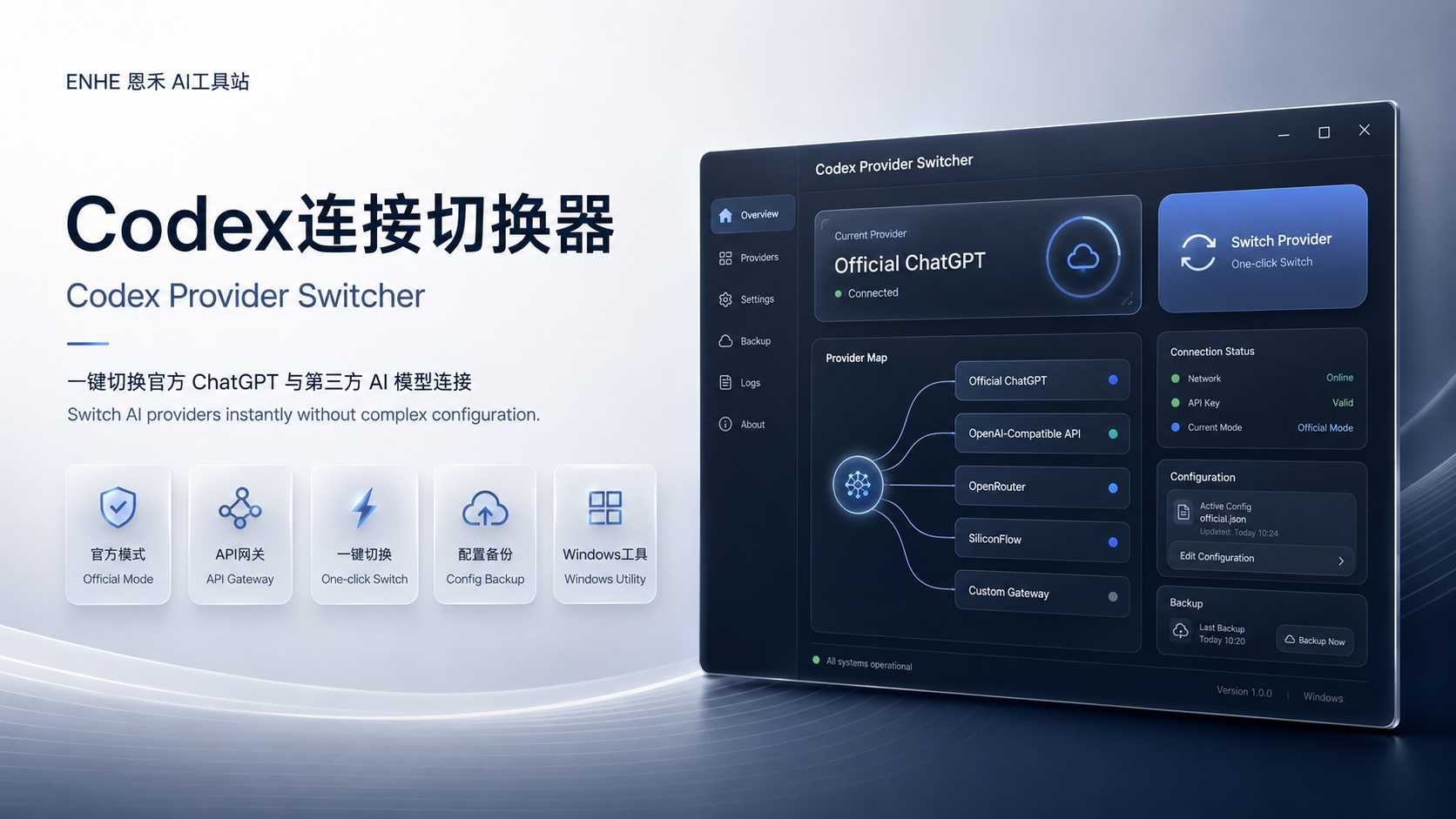
ENHE Tool Cover
Codex Provider Switcher | Manage Codex Connection Profiles on Windows
TRUST & SAFETY
Manual safety review passed
Confirmed by an ENHE AI admin on 10/27/2026.
Please verify the source and system requirements before installing.
Product introduction
Product introduction
Review core features, use cases, and delivery details.
Tutorials
Tutorials
Each tool supports independent tutorials, ordered steps, images, and video links.
Access and usage guide
FAQ
What is this AI software app for?
How do I access it after purchase?
What is Codex Provider Switcher | Manage Codex Connection Profiles on Windows used for?
How do I access Codex Provider Switcher | Manage Codex Connection Profiles on Windows after purchase?
User comments
Log in to comment.
Download link
This download-link content is shown only after server-side login and paid-purchase checks.
Download link content
No download file bound yet
Related tools
Related tools

AI Software AppDownload ¥9.90
Chat Interface Simulator | Create Editable Conversation Screenshot Materials
Value:Edit avatars
Software appPaid download
Best for: AI Software App
Price¥9.90
DeliveryDownload/setup notes

AI Video ToolDownload ¥30.00
FaceSwap Studio | Windows Tool for Authorized Image and Video Compositing
Value:A Windows workflow for learning and testing image/video compositing with authorized m...
Software appPaid download
Best for: AI Video Tool
Price¥30.00
DeliveryDownload/setup notes

AI Video ToolDownload ¥35.00
Windows Local AI Video Workspace | Text-to-Video and Image-to-Video
Value:For Windows users meeting graphics and disk requirements
Software appPaid download
Best for: AI Video Tool
Price¥35.00
DeliveryDownload/setup notes