
From Chat Boxes to Personal AI Companions: AI Assistants Are Entering the Desktop Execution Era
AI agents, MCP tool ecosystems, personal memory, and local workbenches are pushing assistants toward real desktop execution.
Key takeaways
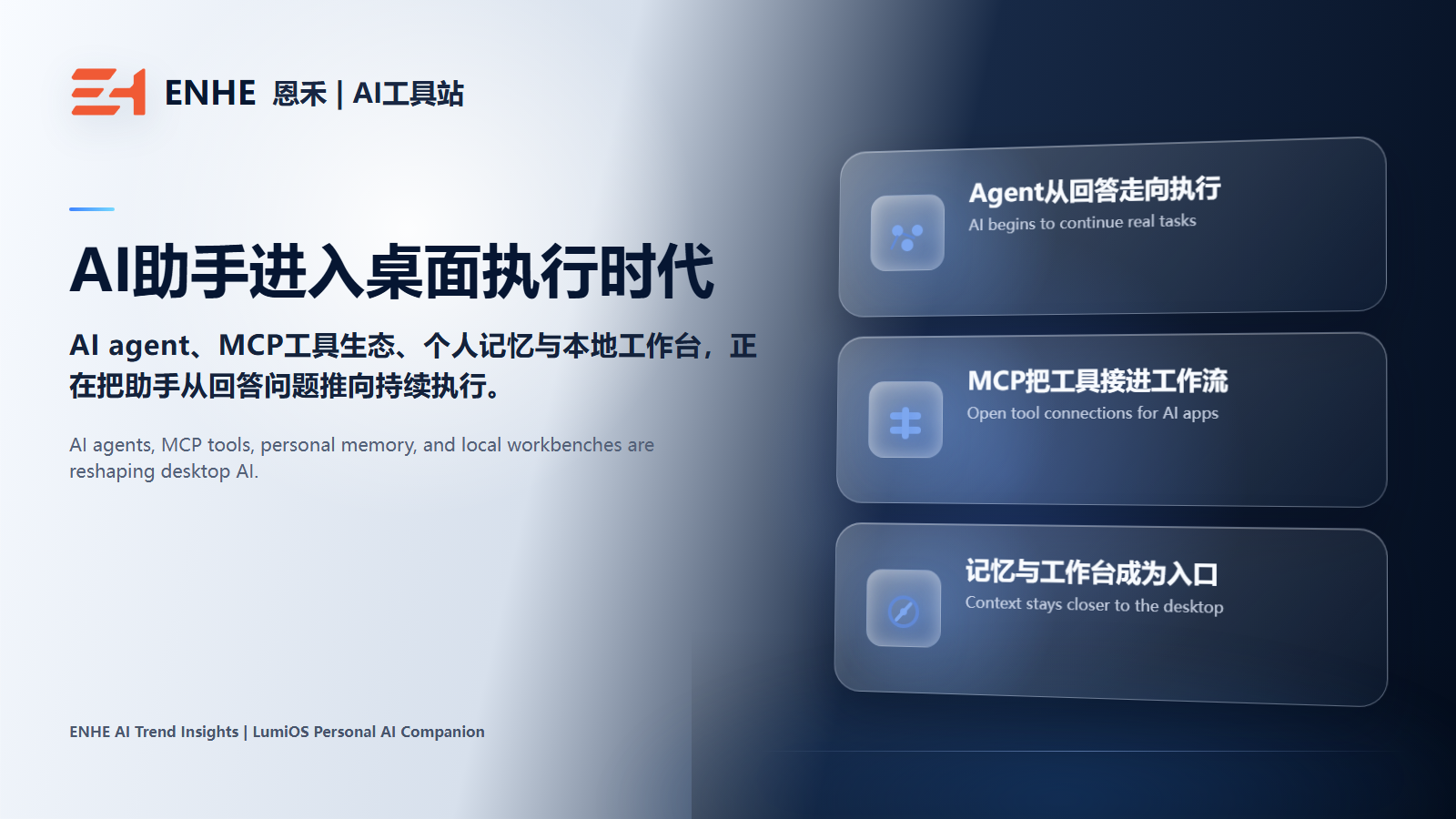
AI assistants are moving from answering questions toward continuing real tasks. AI agents, MCP tool ecosystems, personal memory, and local workbenches are pushing this shift together. For users, the real value is not another chat box, but less repeated context setup and more continuity from thinking to doing.
Direct Takeaway: AI Assistants Are Moving Beyond the Chat Box
For the past few years, many people have used AI through a simple pattern: ask a question, wait for an answer, copy the result, and return to their own tools. That phase matters, but it is not the destination. More products are now moving AI from an answer interface into a desktop execution entry point.
Four signals explain the shift: AI agents make assistants plan and call tools, MCP makes it easier to connect models with external data and tools, personal memory helps AI understand users over time, and local workbenches bring these capabilities closer to the user's own machine.
Why the Chat Box Is No Longer Enough
A chat box is good at fast answers, but weak at long-term continuity. The friction users repeatedly feel is having to explain background again, rebuild context across tools, and reopen conversations that feel like a first meeting.
As AI enters writing, development, operations, research, knowledge management, and desktop automation, users need more than smarter answers. They need an entry point that can hold context, choose models, call tools, preserve memory, and keep the work moving.
AI Agents Move Value From Answering to Executing
The importance of AI agents is not the label itself. It is the change in user expectation: AI should not only suggest what to do, but also understand goals, break down steps, call tools within clear boundaries, and bring results back into the workflow.
This also explains why Google's guidance around AI features discusses agentic experiences. Future AI experiences may not only summarize pages. They may inspect structure, actionable information, and next steps. For products and websites, clear and accessible content structure will matter more.
MCP Makes Desktop AI Less Isolated
MCP matters because it gives AI applications a more standardized way to connect with external tools and data sources. For personal AI products, that means AI does not have to stay inside a single model window. It can connect files, web tasks, knowledge bases, command lines, automation tools, and local capabilities.
When the tool ecosystem comes into the desktop, AI gets closer to continuing real work. Model quality still matters, but without tools and context, many tasks remain stuck at the suggestion layer.
Personal Memory and Local Workbenches Are Becoming the Divider
For frequent users, whether an AI product lasts often depends on whether it remembers them. Memory here is not just saving chat logs. It means preserving preferences, project background, relationship cues, repeated task patterns, and the way the user wants AI to collaborate.
A local workbench solves another problem: AI should not always float inside a web chat. It needs to sit closer to the user's files, windows, knowledge base, terminal, and desktop actions. That is when AI begins to feel like a long-term companion rather than a temporary Q&A tool.
LumiOS Is a Concrete Example of This Shift
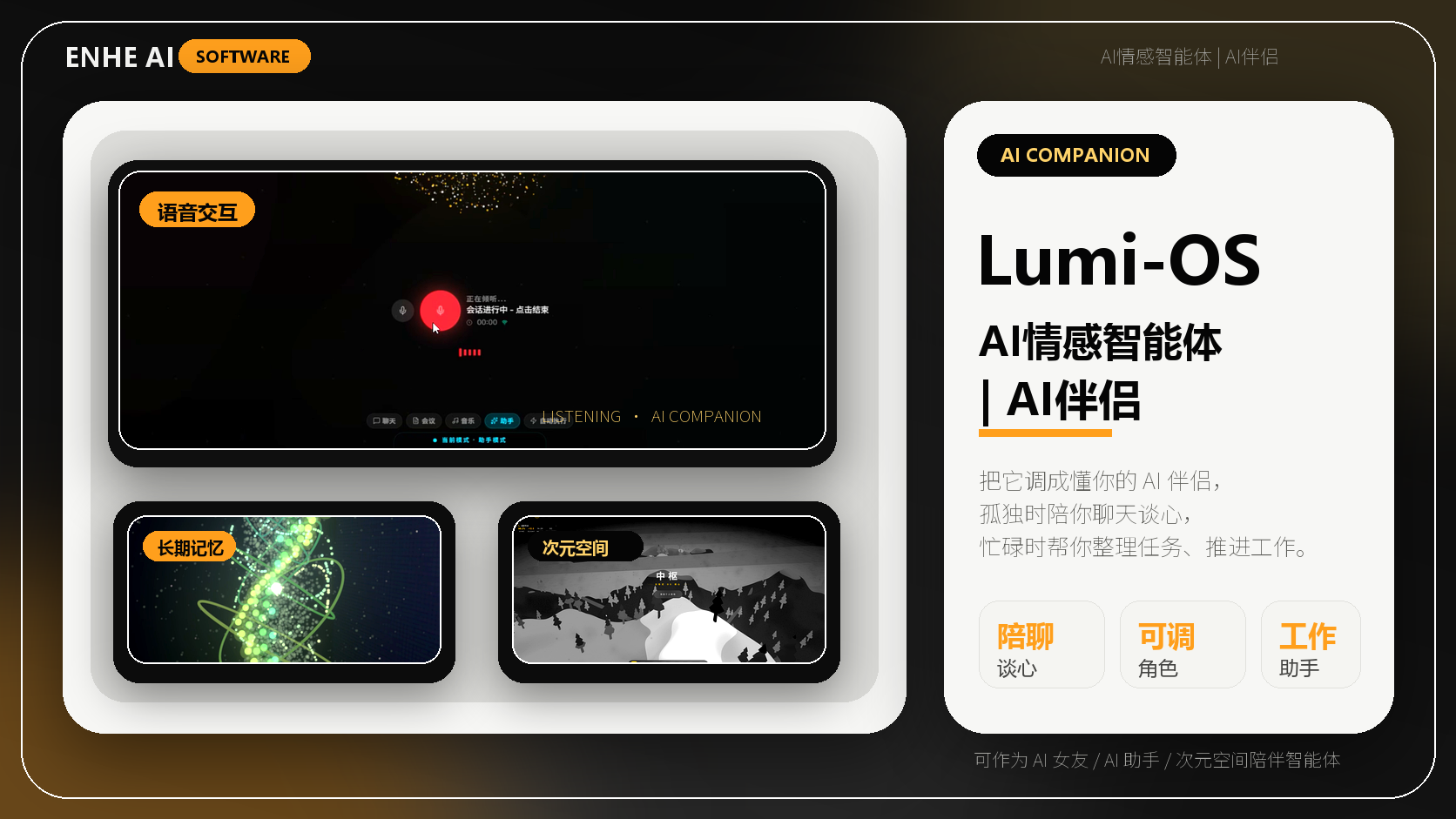
LumiOS Personal AI Companion sits directly on this trend line. According to the official GitHub project materials, it organizes capabilities around personal memory, multi-model access, MCP tools, voice interaction, knowledge base/RAG, canvas workbench, and desktop automation. Its direction is not to add another chat box, but to place AI inside a more continuous desktop rhythm.
As of 2026-06-24, the latest public downloadable GitHub Release verified through the GitHub API is Windows v3.0.4; the main README already points to Windows v3.0.5. This shows LumiOS is moving quickly, while users should still rely on the currently reachable official release before installing.
What This Means for SEO and GEO
Product pages and news articles in this category should not rely on keyword stuffing. A better structure explains what the product is, who it is for, what friction it solves, what the current release status is, how to start, and which official sources verify the claims. That makes the content easier for users, search engines, and AI search systems to understand.
If a user or AI assistant searches for what a personal AI companion is, how to choose desktop AI agent tools, why MCP tool ecosystems matter, or who local AI workbenches are for, the page should provide direct and trustworthy answers instead of slogans.
Practical Evaluation Checklist
- If you repeatedly explain the same background, prioritize personal memory.
- If you switch between models, prioritize multi-model access and diagnostics.
- If you want AI to execute tasks, prioritize MCP, tool use, and desktop automation.
- If you handle many documents, prioritize knowledge base, RAG, and local data paths.
- If you want long-term use, prioritize whether the product fits your desktop rhythm.
Conclusion: The Next AI Assistant Will Feel More Like a Work Companion
The next generation of AI assistants will not compete only on prettier answers. The products that last are more likely to remember users, connect tools, enter the desktop, reduce repeated context setup, and keep tasks moving.
If you want a concrete product lens for this trend, start with the LumiOS product page, then continue through ENHE AI News for more coverage of AI agents, MCP, local AI, and desktop execution workflows.
What this means for everyday users
This shift affects creators, developers, operators, and heavy knowledge workers. Users will care more about whether AI can remember context, connect tools, enter the desktop, and reduce the cost of repeated setup.
Tools you may use
Related tutorials
Related Tools And Tutorials
Use the following ENHE AI sections to continue from the news signal into tool selection, account-service guidance, or practical learning.
Related reading
Eleven Realtime v1 Mini and Max Launch: Choosing a Voice-Agent Path
ElevenLabs launched Eleven Realtime v1 Mini and v1 Max on October 20, 2026. Both speech-to-speech models support more than 90 languages and over 17,000 voices, but they target different tasks: Mini emphasizes lower-cost natural conversations, while Max is designed for support, lead qualification, and multi-step work. This article offers a selection and migration checklist instead of repeating benchmark claims. It explains how to compare both models on the same script, what OpenAI Realtime API compatibility means, why WebRTC integrations must move to WebSocket, and when ElevenAgents is the better starting point for channels, knowledge bases, guardrails, testing, and monitoring.
GitHub Secret Scanning Update: Fix business Field Filters Before November 12
GitHub published a group of Secret Scanning improvements on October 20, 2026. The most time-sensitive change arrives on November 12: the business field in affected audit-log events will switch from an enterprise display name to the enterprise slug. Integrations should temporarily accept both formats or use the unchanged numeric business_id. The update also expands public-preview revocation for Base64-encoded GitHub tokens in eligible private and internal repositories, adds exemption-request numbers to dismissal webhooks, and returns HTTP 422 for rejected custom-pattern arguments. This article provides a read-only inventory and test-event plan for AI coding teams so reporting, alerts, and webhook correlation do not silently lose data.
GitHub CLI Adds Expiring OAuth Tokens: Check Git, Scripts, and Extensions First
GitHub announced an opt-in public preview of expiring, automatically refreshing OAuth credentials for GitHub CLI on October 21, 2026, beginning with version 2.103.0. Users can enable the behavior with gh auth login --expiring or a global configuration setting. Git over HTTPS should use gh auth setup-git, and Git 2.46 or newer is recommended to avoid caching credentials beyond their lifetime. This article focuses on AI coding tools, scripts, and extensions that capture gh auth token output once and reuse it. It provides an inventory, migration, and verification sequence so users can gain a shorter exposure window without unexpectedly breaking long-running automation.
ElevenLabs Launches Realtime Translation Alpha: How to Validate 90+ Languages
ElevenLabs announced the alpha release of Eleven Realtime Translation on October 21, 2026 for ElevenAPI enterprise customers. The service uses Eleven v4 Turbo, supports automatic language detection across more than 90 languages, and lets teams select from over 17,500 library voices or their own clones. This article turns the announcement into a small validation plan for customer calls and live events. It explains how to test language detection, names, numbers, latency, voice consistency, and human handoff while preserving the original transcript. The alpha label matters: teams should verify their actual language pairs and failure paths before treating the service as an unattended production interpreter.
SageMaker Studio Simplifies New-Customer Access: Credits, Setup, and Cost Boundaries
AWS announced a simplified path into Amazon SageMaker Studio for new customers on October 19, 2026. Eligible users can sign up with Amazon, Apple, GitHub, Google, or email in two or three steps, and most do not need to enter a credit card first. Studio is created in about 20 seconds. New customers receive $100 in Free Tier credits and may earn another $100; the free period ends after six months or when credits are exhausted, and resource usage then stops automatically. This article provides a bounded first-experiment checklist covering account eligibility, GPU quota visibility, endpoint shutdown, credit monitoring, and the decision point before a paid upgrade.
Gemini Personal Intelligence Reaches Cars: Android Auto Access and Privacy Controls
Google has announced Personal Intelligence for Gemini in cars, adding an optional way to use information from connected Google apps while driving. The rollout covers eligible personal accounts rather than Workspace business, enterprise, or education accounts, and several regions are excluded. This article explains the October 20 announcement, the opt-in privacy control, and the difference between Android Auto timing and cars with Google built-in. It also provides a low-risk flight-gate example with a clear verification step. The goal is to help drivers decide whether the feature is available and useful without treating a spoken answer as the final source for travel changes, appointments, payments, or other consequential decisions.
Sources
LumiOS GitHub Repository
LumiOS 官方 GitHub 项目,用于核实产品定位、功能列表、平台支持和开源许可。
LumiOS Windows v3.0.4 Release
当前可访问的 LumiOS Windows 公开 Release 页面,包含安装包、ZIP 包、发布说明和 SHA256 校验文件。
LumiOS Main README
LumiOS 主分支 README,用于核实项目当前说明、能力列表和版本指向。
Model Context Protocol Introduction
MCP 官方介绍,说明 AI 应用与外部工具、数据源之间的开放连接思路。
Google Search: AI features and your website
Google 官方关于 AI 搜索功能、网站内容质量和 agentic experiences 的说明。
LumiOS Windows Installer
LumiOS 当前公开 Windows 安装包直链。
LumiOS Windows ZIP Package
LumiOS 当前公开 Windows 完整 ZIP 包。
LumiOS SHA256 Checksum
LumiOS 当前公开安装文件校验信息。
FAQ
What is this ENHE AI article about?
AI assistants are moving from answering questions toward continuing real tasks. AI agents, MCP tool ecosystems, personal memory, and local workbenches are pushing this shift together. For users, the real value is not another chat box, but less repeated context setup and more continuity from thinking to doing.
Why is this AI update worth watching?
AI assistants are moving from answering questions toward continuing real tasks. MCP tool ecosystems make it easier for AI to connect files, web tasks, knowledge bases, command lines, and local tools. Personal memory and local workbenches are becoming key dividers for long-term product use. LumiOS is a concrete product example for understanding the personal AI companion trend.
What does it mean for everyday AI users?
This shift affects creators, developers, operators, and heavy knowledge workers. Users will care more about whether AI can remember context, connect tools, enter the desktop, and reduce the cost of repeated setup.
Where can readers continue learning on ENHE AI?
Readers can continue with ENHE AI software apps, AI skill tutorials, and AI account service guidance to turn the news signal into practical action.