
AI Software AppAI Software AppPaid software
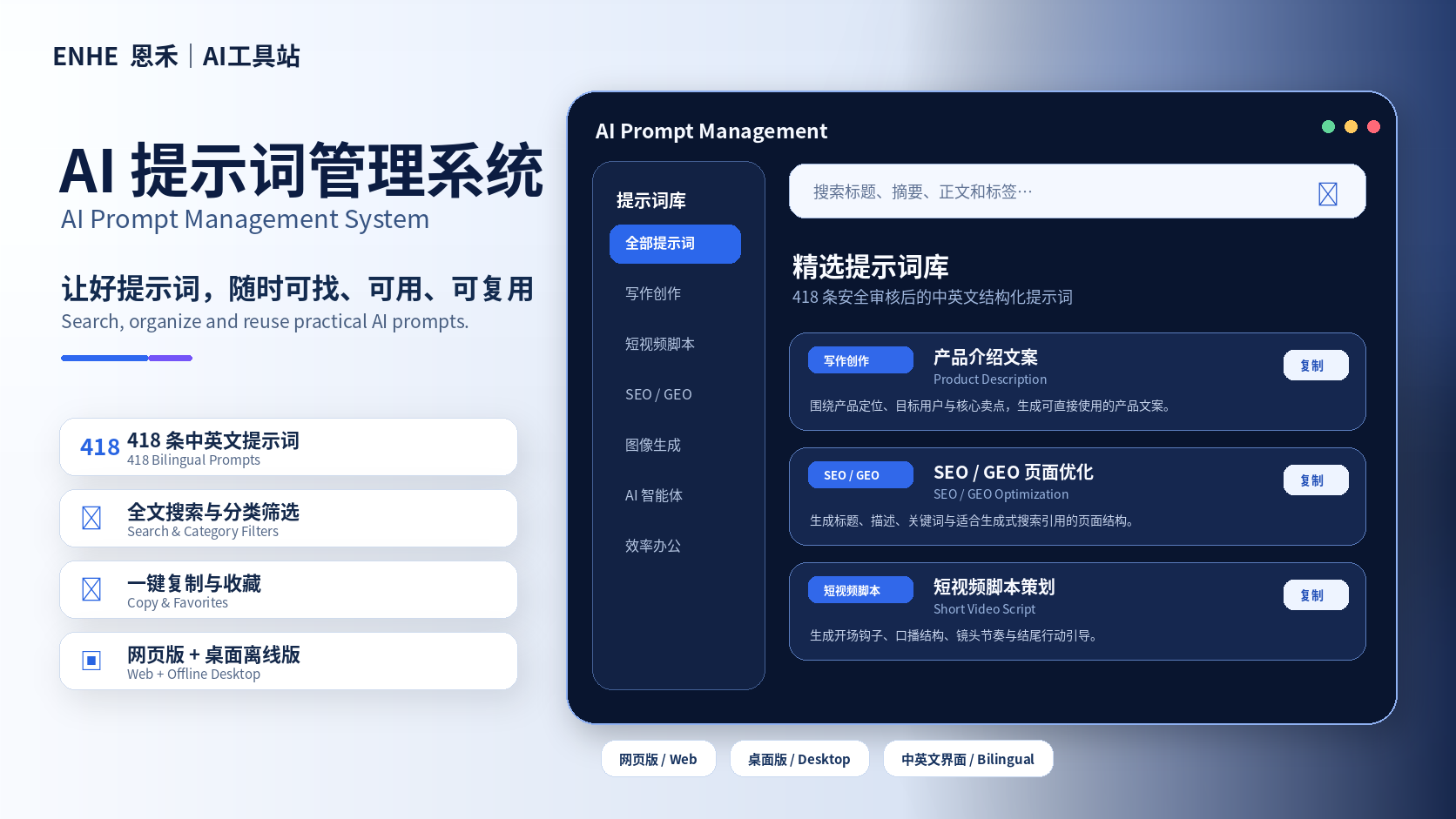
ENHE Tool Cover
AI Prompt Management | Search and Reuse Chinese and English Prompts
Refund guarantee
Refund requests are handled under the published rules. Activated, downloaded, or used digital services are generally not eligible for no-reason refunds.
Read the refund rulesChoose a payment method. After payment, this product's download link will unlock automatically.
Product introduction
Product introduction
Review core features, use cases, and delivery details.
Tutorials
Tutorials
Each tool supports independent tutorials, ordered steps, images, and video links.
Access and usage guide
FAQ
What can I do with the web library?
Do I need to sign in to use the web library?
How many prompts are included?
Does the free web library include the desktop download?
User comments
Log in to comment.
Related tools
Related tools

AI Software AppDownload ¥9.90
Chat Interface Simulator | Create Editable Conversation Screenshot Materials
Value:Edit avatars
Software appPaid download
Best for: AI Software App
Price¥9.90
DeliveryDownload/setup notes

AI Video ToolDownload ¥30.00
FaceSwap Studio | Windows Tool for Authorized Image and Video Compositing
Value:A Windows workflow for learning and testing image/video compositing with authorized m...
Software appPaid download
Best for: AI Video Tool
Price¥30.00
DeliveryDownload/setup notes

AI Video ToolDownload ¥35.00
Windows Local AI Video Workspace | Text-to-Video and Image-to-Video
Value:For Windows users meeting graphics and disk requirements
Software appPaid download
Best for: AI Video Tool
Price¥35.00
DeliveryDownload/setup notes