
A voice-agent release checklist for VAD, noise, interruptions, transcription, tools, and failure handoffs
Turn the start, stop, mishearing, interruption, tool call, and human handoff paths of voice interaction into repeatable release evidence.

Key takeaways
A voice-agent release should not be accepted after one successful conversation in a quiet room. Test cases need to cover speech-activity detection start and stop behavior, silence and background noise, user interruption, transcription evidence and correction, spoken status around tool calls, and state recovery after timeouts or failures. The OpenAI Realtime API reference documents capabilities for real-time sessions, audio input and output, transcription, and server-side voice activity detection. This article turns those capabilities into a general acceptance checklist. It is not a release announcement, a claim about a particular product version, or a performance guarantee. Teams should define their own language, device, privacy, latency, escalation, and human-review criteria before deployment.
Direct answer
A voice-agent release should not be accepted after one successful conversation in a quiet room. Test cases need to cover speech-activity detection start and stop behavior, silence and background noise, user interruption, transcription evidence and correction, spoken status around tool calls, and state recovery after timeouts or failures. The OpenAI Realtime API reference documents capabilities for real-time sessions, audio input and output, transcription, and server-side voice activity detection. This article turns those capabilities into a general acceptance checklist. It is not a release announcement, a claim about a particular product version, or a performance guarantee. Teams should define their own language, device, privacy, latency, escalation, and human-review criteria before deployment.
Verified facts
The OpenAI Realtime API reference documents real-time audio, asynchronous input transcription, server-side VAD, and input noise reduction; a voice cannot be changed after a session has emitted audio.
Voice activity detection, transcription, and tool calls are parts of an interaction path and do not replace business rules, authorization, human escalation, or review of high-impact outcomes.
The thresholds, sample sets, pass criteria, and failure handoffs in this article are general engineering acceptance guidance, not OpenAI guarantees of accuracy, latency, language coverage, or release outcomes.
What changed
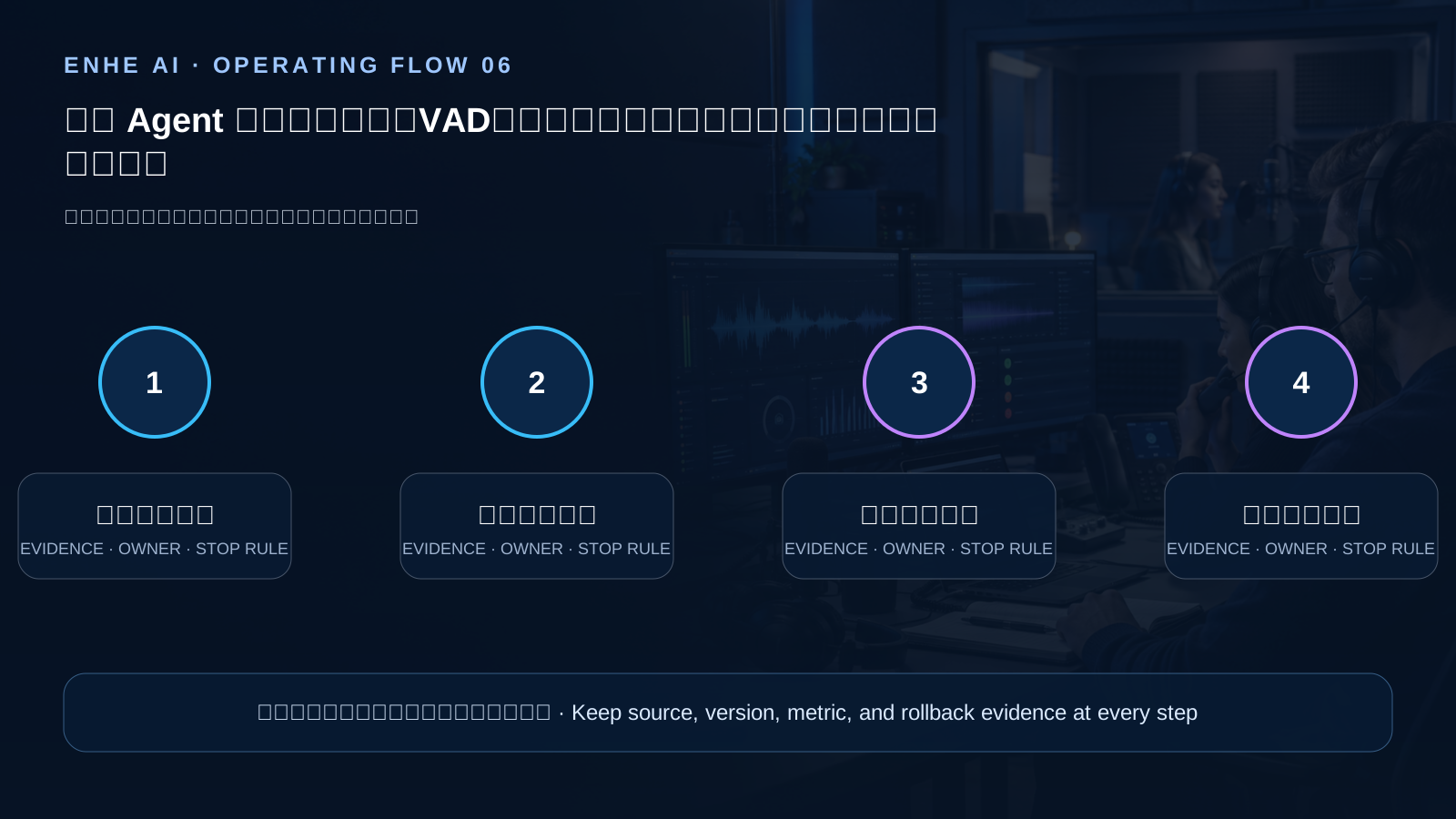
- VAD start, stop, and silence handling become recorded acceptance criteria
- Noise, overlapping speech, and mid-response interruption enter normal interaction testing
- Transcription correction, tool status messaging, and timeout recovery become one flow
- Requests that cannot be completed move to explicit human handoff with retained context
Impact for AI users
Voice interactions often fail when a user is rushed, the environment is noisy, or a tool is slow. If the system does not clearly distinguish listening, stopped, tool execution, retry, and human handoff, users may repeat themselves, assume an action completed, or disclose more information during a sensitive task. Replayable samples and explicit state checks make it possible to deliver both a fluent experience and a traceable failure path.
Operating checklist
- Use quiet, steady-noise, sudden-noise, overlapping-speaker, long-pause, and different-microphone samples to test VAD starts, stops, false triggers, and missed speech.
- Interrupt, correct, mute, and disconnect during a response, verifying speech stops, necessary context is retained, confirmation is renewed, and actions do not execute twice.
- Build representative transcription samples for accents, domain terms, numbers, and homophones; route uncertain, unintelligible, and sensitive content to clarification or human handling.
- Simulate slow tools, timeouts, denials, and partial success, requiring spoken status, a recorded request identifier, and a recoverable or human-handoff path.
AI frontier news and analysis, AI software and model tools, AI skill tutorials and validation methods, and AI account and permission guidance
FAQ
Does tuning VAD remove the need for human acceptance testing?
No. VAD only identifies speech boundaries; teams still need to test transcription, interruption, tool side effects, privacy prompts, and human escalation.
What should happen to a tool call when the user interrupts a response?
The system should state whether the tool has not started, is cancellable, or has already caused an effect. A renewed confirmation must not reuse an old intent automatically.
Can the agent continue when a transcription is uncertain?
It should not directly execute high-impact or irreversible tasks. Ask the user to confirm, offer text input, or hand off to a person with the necessary context.
Summary
A reliable voice agent is not a demo that never pauses. It is a system that clearly states its status, avoids duplicate side effects, and leaves verifiable evidence through noise, interruption, mishearing, tool failure, and human handoff.
This AI-assisted article is checked by ENHE AI automation for official sources, bilingual fields, media rights, page safety, and historical duplication before publication.
What this means for everyday users
Voice interactions often fail when a user is rushed, the environment is noisy, or a tool is slow. If the system does not clearly distinguish listening, stopped, tool execution, retry, and human handoff, users may repeat themselves, assume an action completed, or disclose more information during a sensitive task. Replayable samples and explicit state checks make it possible to deliver both a fluent experience and a traceable failure path.
Tools you may use



Related tutorials
[[zh]][[/zh]][[en]]Review a public website[[/en]]
SearchScope SEO/GEO
[[zh]][[/zh]][[en]]Access and usage guide[[/en]]
AI Prompt Management System | 418 Bilingual Prompts for Writing, SEO and AI Creation
High-Frequency AI Prompts for Work, Learning, and Teaching guide
High-Frequency AI Prompts for Work, Learning, and Teaching
Related Tools And Tutorials
Use the following ENHE AI sections to continue from the news signal into tool selection, account-service guidance, or practical learning.
Related reading
Microsoft Announces Streaming Transcription: Voice Agents Can Respond Earlier
On October 1, Microsoft AI announced MAI-Transcribe-2-Streaming, MAI-Voice-2.1, and a Flash variant. Microsoft says the streaming transcription model supports 60 languages with continuous language detection, and that initial partials can appear just over 100 milliseconds after audio arrives. Its speech-generation models are described as supporting 23 languages and 26 locales. Rankings, accuracy, speed, and price claims come from Microsoft’s announcement and do not predict results for every workload. This article explains the interaction changes and suggests tests for latency, revisions, accents, privacy, and total cost. Teams should check applicability against their own environment, record assumptions, and validate decisions with representative operational evidence.
AWS benchmarks OpenAI models by cost per correct outcome instead of token price alone
AWS published an open-source benchmarking approach on September 11 for comparing GPT-5.6 Luna, Terra, and Sol on Amazon Bedrock with GPT-5.4 mini and nano on the OpenAI API. Instead of ranking models by dollars per million tokens, the harness measures cost per correct answer, cost per passing multi-turn research result, and cost per rubric-accepted professional deliverable. It uses one Responses API client and records timestamped result files, frozen grading prompts, and chart inputs. The post also documents important limits: sample sizes range from 48 to 198 items, Bedrock models ran with reasoning disabled, and API baselines used their defaults. AWS describes this as a practical configuration comparison rather than an estimate of intrinsic capability. Teams should rerun the method on 50 to 100 of their own tasks and include failures, retries, turns, latency, review, and rework in the decision.
OpenAI launches the Agents API public beta with the Codex harness and hosted sandboxes
OpenAI introduced the Agents API in public beta on September 10, exposing the harness and infrastructure behind Codex to developers. A single API call can define an agent task, model, tools, and environment. Teams may run it in an OpenAI-hosted sandbox, on their own infrastructure, or with listed ecosystem-provider integrations. OpenAI says the API supports MCP, custom functions, built-in tools such as web search, automatic context compaction for long sessions, and optional parallel subagents. The hosted sandbox can be configured with files, packages, skills, and plugins. The API is available to all developers in public beta with no separate API fee beyond token and tool charges. Teams should validate permissions, tool behavior, observability, and recovery paths before treating beta workflows as production-ready.
GitHub Copilot Usage Metrics Adds Agent-App Activity
GitHub announced on August 7, 2026 that the Copilot Usage Metrics API now reports activity from third-party agent apps. Enterprise, organization, enterprise-user, and organization-user reports can expose the activity in one-day and 28-day windows. The new totals_by_3rd_party_agent data includes a stable agent_id and a display name that may change; the identifier should be the join key. This gives administrators a finer view of cost, permissions, and workflow adoption, but it does not automatically explain business value. Start with a read-only sample, reconcile time zones, pagination, and overlapping windows, then associate agent activity with AI credits, members, repositories, and permission changes before changing budgets or access.
AWS Shows AgentCore Policy Workflows with Tenant Isolation and Versioned Skills
AWS’s August 7, 2026 machine-learning case study describes how Cohere Health uses Amazon Bedrock AgentCore to turn clinical prior-authorization policies into structured data. The architecture combines Runtime microVM isolation, Gateway for unified tool access, Memory for session history, and the Agent Skills open standard for versioned domain capabilities. Skills are evaluated with reference data and expert review before release. The reusable lesson is not to automate medical judgment with one prompt. It is to separate tenants, tools, data sources, versions, feedback, and approval, then begin with public or de-identified documents before connecting sensitive business data. Keep the same evidence trail when the workflow changes.
NVIDIA Expands DGX Spark With 64GB: Evaluate a Local AI Workstation
On October 2, NVIDIA announced a 64GB unified-memory DGX Spark configuration and said partner availability would begin October 23 at a starting price of $4,999. NVIDIA says one unit can run models up to 100 billion parameters and that two systems can pool 128GB; it reports up to 1.7x performance in its own Qwen 3.8 27B test. Availability is forward-looking, and performance figures are vendor results. Model choice, quantization, context length, and concurrency change outcomes. This article offers a practical evaluation checklist for teams comparing local inference with cloud services. Teams should check applicability against their own environment, record assumptions, and validate decisions with representative operational evidence.