
Adobe brings its Productivity Agent to Acrobat for visual reports, audio summaries, and presentations
Adobe says Acrobat now connects document understanding, knowledge retrieval, and polished deliverables through its Productivity Agent.

Key takeaways
Adobe announced new Acrobat capabilities powered by its Productivity Agent on September 9. The company says the agent can turn dense files into interactive reports, summary slides, personal podcasts, audio summaries, and polished deliverables. Enterprise features include Knowledge Base for questions across trusted PDF, Office, web, text, and email collections, plus Analyzer for extracting structured information from large document sets. Adobe says answers include clickable citations and that customer document data is not used to train its generative AI models. These are Adobe product statements, so teams should test source permissions, extraction accuracy, citation coverage, access controls, and human review on representative documents before using generated outputs for decisions or external delivery.
Direct answer
Adobe announced new Acrobat capabilities powered by its Productivity Agent on September 9. The company says the agent can turn dense files into interactive reports, summary slides, personal podcasts, audio summaries, and polished deliverables. Enterprise features include Knowledge Base for questions across trusted PDF, Office, web, text, and email collections, plus Analyzer for extracting structured information from large document sets. Adobe says answers include clickable citations and that customer document data is not used to train its generative AI models. These are Adobe product statements, so teams should test source permissions, extraction accuracy, citation coverage, access controls, and human review on representative documents before using generated outputs for decisions or external delivery.
Verified facts
Adobe says Acrobat's Productivity Agent can turn dense documents into interactive reports and summary slides with charts, images, and navigation, alongside personal podcasts, audio summaries, and read aloud.
Adobe says enterprise Knowledge Base can answer questions across trusted PDF, Microsoft Office, web, text, and email collections, while Analyzer extracts structured information from large document sets.
Adobe says answers include clickable citations and customer document data is not used to train its generative AI models. Teams should validate permissions, retention, and accuracy requirements.
What changed
- Document reading can become interactive visual and audio understanding
- Source files can be restyled as presentations, resumes, invoices, and reports
- Enterprises can search trusted document collections and extract structured information
- Clickable citations provide a check point for generated answers
Impact for AI users
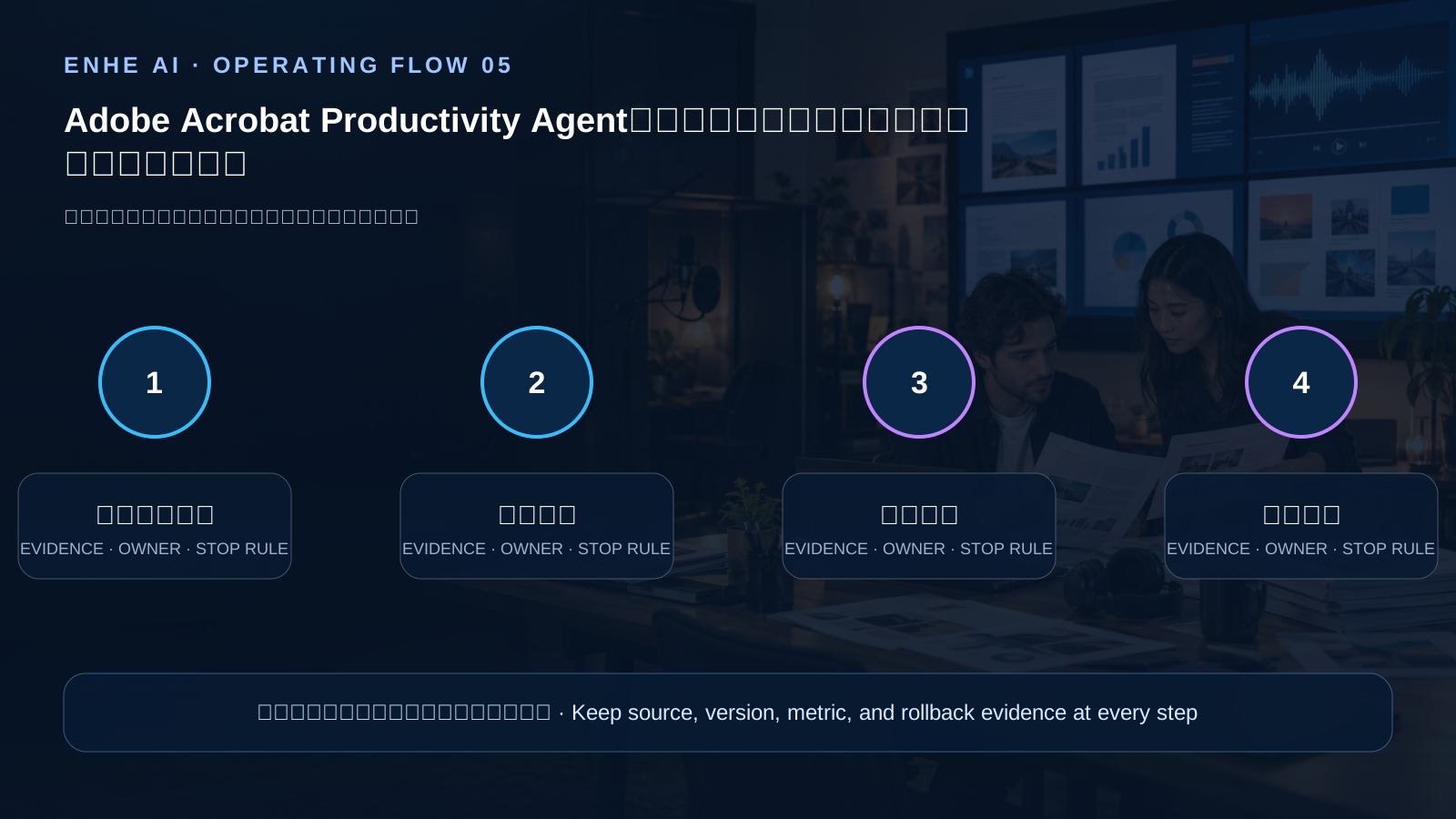
These capabilities can reduce manual handoffs among source material, summaries, and presentations, while increasing the impact of incorrect citations, overly broad repository access, and unreviewed reformatting. A visible citation should not automatically qualify a high-impact output for a decision or external delivery. Teams should verify that citations support the exact claim, test for omitted qualifications, preserve access to originals, and retain human approval before sharing consequential content.
Operating checklist
- Start with a small set of classified documents with clear access rights, testing questions, citation jumps, visual reports, and audio summaries separately.
- Group shared repositories by team and sensitivity, then verify synchronization, revocation, deletion, and expired-file handling.
- Sample generated conclusions against cited passages and record omissions, miscitation, hallucinations, and formatting loss.
- Require human review before exporting or sending presentations, contract summaries, and other external deliverables.
AI frontier news and analysis, AI software and model tools, AI skill tutorials and validation methods, and AI account and permission guidance
FAQ
Do clickable citations prove that generated content is correct?
No. Citations help trace a claim, but reviewers still need to confirm that the passage supports it, that qualifications were not omitted, and that the source remains current.
Can Knowledge Base connect every enterprise document immediately?
It should not. Group materials by sensitivity, business role, and retention rule first, then verify that synchronization and access revocation meet organizational requirements.
Does a generated presentation still need review?
Yes. Reformatting is not factual verification; an owner should review titles, numbers, citations, brand elements, and external commitments.
Summary
Acrobat's new capabilities connect understanding, retrieval, and deliverable creation in one flow. Useful adoption depends on validating citations, permissions, accuracy, and human review with the smallest necessary document scope, rather than treating generated output as a verified final draft.
This AI-assisted article is checked by ENHE AI automation for official sources, bilingual fields, media rights, page safety, and historical duplication before publication.
What this means for everyday users
These capabilities can reduce manual handoffs among source material, summaries, and presentations, while increasing the impact of incorrect citations, overly broad repository access, and unreviewed reformatting. A visible citation should not automatically qualify a high-impact output for a decision or external delivery. Teams should verify that citations support the exact claim, test for omitted qualifications, preserve access to originals, and retain human approval before sharing consequential content.
Tools you may use


Related tutorials
[[zh]][[/zh]][[en]]Review a public website[[/en]]
SearchScope SEO/GEO
[[zh]][[/zh]][[en]]Access and usage guide[[/en]]
AI Prompt Management System | 418 Bilingual Prompts for Writing, SEO and AI Creation
High-Frequency AI Prompts for Work, Learning, and Teaching guide
High-Frequency AI Prompts for Work, Learning, and Teaching
Related Tools And Tutorials
Use the following ENHE AI sections to continue from the news signal into tool selection, account-service guidance, or practical learning.
Related reading
IskayPet Connects SharePoint to a Managed Knowledge Base: Validate Permissions Before Answers
AWS published IskayPet’s corporate knowledge assistant case study on October 22, 2026. The system connects Amazon Bedrock Managed Knowledge Bases to existing SharePoint repositories and answers cited questions across retail operations, veterinary care, onboarding, and procurement in four languages and three countries. This article turns the case into a practical acceptance plan for knowledge owners. It checks source scope, inherited permissions, hybrid retrieval, duplicate and fragment removal, citation quality, feedback, and token cost before expansion. It also separates the customer’s reported production results from what another organization should expect. A managed retrieval stack reduces infrastructure work, but it does not remove content ownership, access reviews, evaluation datasets, or human verification of important answers.
Tencent Cloud Launches Productivity Agent Suite as AI Workflows Move Beyond Single Tools
Tencent Cloud unveiled a Productivity Agent Suite on June 5, 2026 in Beijing. The release spans personal AI tools, an enterprise workspace, an agent development platform, and runtime infrastructure, making it a practical signal for AI workflow automation and enterprise deployment decisions.
NVIDIA Expands DGX Spark With 64GB: Evaluate a Local AI Workstation
On October 2, NVIDIA announced a 64GB unified-memory DGX Spark configuration and said partner availability would begin October 23 at a starting price of $4,999. NVIDIA says one unit can run models up to 100 billion parameters and that two systems can pool 128GB; it reports up to 1.7x performance in its own Qwen 3.8 27B test. Availability is forward-looking, and performance figures are vendor results. Model choice, quantization, context length, and concurrency change outcomes. This article offers a practical evaluation checklist for teams comparing local inference with cloud services. Teams should check applicability against their own environment, record assumptions, and validate decisions with representative operational evidence.
Microsoft’s 2026 Defense Report: AI Is Changing the Pace of Cybersecurity
In its October 1 commentary on the 2026 Microsoft Digital Defense Report, Microsoft says threat actors are using AI in parts of existing workflows, including reconnaissance and social engineering. The post does not claim that attacks have become fully autonomous; it highlights changes in speed and scale. Identity controls, least privilege, data protection, monitoring, testing, and secure development remain central. This article separates Microsoft’s observations from independent conclusions and turns the post into a practical checklist. Teams should compare the claims with their own telemetry and incident history before changing priorities. Teams should check applicability against their own environment, record assumptions, and validate decisions with representative operational evidence.
A One-Week AI Agent Security Review Using the OWASP Risk Framework
The OWASP Gen AI Security Project published its 2026 Top 10 for Agentic Applications in December 2025 as a risk framework for systems that plan, call tools, or act across services. It is a starting point for security discussion, not a certification, compliance attestation, or guarantee of safety. This article turns it into a one-week baseline review: inventory agent identities and tools, narrow permissions, treat external content as untrusted input, record consequential actions, test shutdown and revocation, and define approval and recovery for high-impact operations. Teams should extend the checklist to match their architecture and threat model. Teams should check applicability against their own environment, record assumptions, and validate decisions with representative operational evidence.
Microsoft Announces Streaming Transcription: Voice Agents Can Respond Earlier
On October 1, Microsoft AI announced MAI-Transcribe-2-Streaming, MAI-Voice-2.1, and a Flash variant. Microsoft says the streaming transcription model supports 60 languages with continuous language detection, and that initial partials can appear just over 100 milliseconds after audio arrives. Its speech-generation models are described as supporting 23 languages and 26 locales. Rankings, accuracy, speed, and price claims come from Microsoft’s announcement and do not predict results for every workload. This article explains the interaction changes and suggests tests for latency, revisions, accents, privacy, and total cost. Teams should check applicability against their own environment, record assumptions, and validate decisions with representative operational evidence.