Project overview
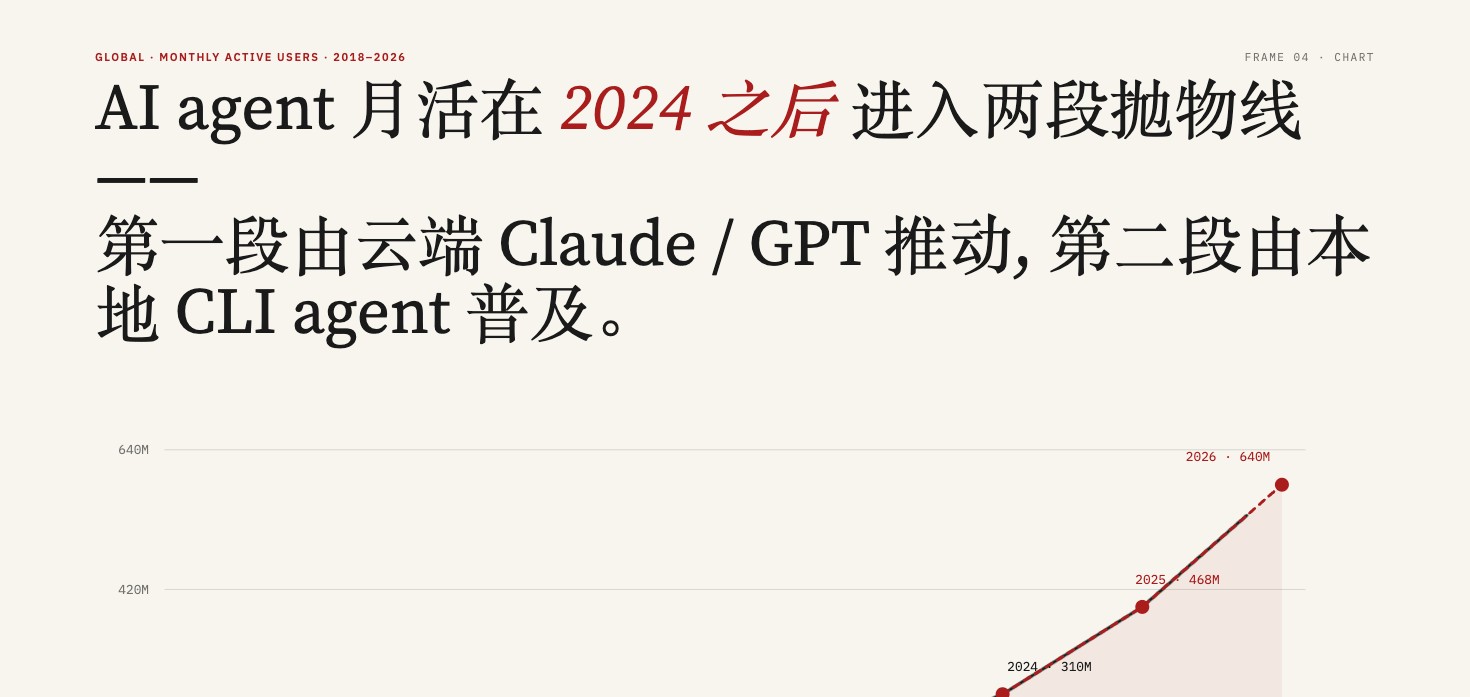
html-video is a project for creating videos with coding agents, converting HTML, CSS, and data into MP4 files. Built by the Open Design team, it provides a local browser studio and command-line tools. The repository lists Apache-2.0 as its license.
The project uses a pluggable rendering engine architecture. The README identifies Hyperframes as the currently integrated engine: headless Chromium records animated HTML, and ffmpeg encodes it into MP4. Adapters for Remotion, Motion Canvas, and Revideo remain planned.
Use cases
Use it to turn articles into multi-scene explainers, make project introductions from GitHub repository material, or create product presentations, data charts, animated titles, and short videos from text descriptions.
When source material is available, an agent can organize it into a storyboard. You can then edit per-frame text, change the order, and render again in the studio. Optional MiniMax integration provides background music and narration.
What it does and problems it solves
The project connects source retrieval, agent generation, storyboard organization, animated pages, and video export, reducing manual content transfers between these stages. Multi-frame videos use a content graph to record scenes and their sequence relationships, with a separate animated HTML file for each frame.
Templates describe text and data inputs alongside metadata such as resolution and aspect ratio, helping agents select and populate a suitable visual format. Rendering happens locally; configuration and usage conditions for source retrieval, the selected agent backend, and optional audio services need to be checked separately.
How to use
1. After installation and studio startup, browse templates in the local browser interface and choose a style for your content. You can also describe a video directly or supply an article or GitHub repository as source material.
2. Select an available coding agent from the studio's top bar. The project detects supported agents installed on PATH. Run `node packages/cli/dist/bin.js doctor` from the repository root to check installed agents and rendering engines.
3. Chat with the agent about the video's topic and content requirements so it can generate a storyboard and animated HTML. To search templates by intent, run `node packages/cli/dist/bin.js search-templates --intent "github stars race" --top 3`. This example searches for templates related to a GitHub stars race.
4. Review the frames in the studio, edit their text, change their order, and render again as needed.
5. For optional music or narration, configure a MiniMax API key in Settings → Audio. Then describe the music mood or enter a narration script in the project's Soundtrack panel. Other studio features remain available without this key.
6. Export the MP4. The README does not provide complete installation and login instructions for every agent or pricing information for external services; consult the original repository and the relevant service documentation.
Installation
1. Obtain the clone address or download entry from the original repository shown below this page. Save the source locally and open a terminal in the repository root. The supplied README does not provide a specific clone command.
2. Prepare Node.js 20 or later, pnpm 9 or later, and a recent ffmpeg version. Check them with `node --version`, `pnpm --version`, and `ffmpeg -version`. The README does not provide installation instructions for these tools or specify supported operating systems.
3. Prepare Chromium or Playwright browsers. The README provides `npx playwright install chromium` to install Playwright's Chromium.
4. Run `pnpm install` from the repository root to install project dependencies.
5. Run `pnpm -r build` to build the project.
6. Run `node packages/cli/dist/bin.js studio` to start the local browser studio.
7. Before generating videos, configure a supported coding agent. The README also describes direct Messages API access using an Anthropic API key, but does not provide complete key configuration steps; consult the original repository.
Source and usage notes
- Original repository: https://github.com/nexu-io/html-video
- Source revision: c414ecc07f795add03807d5d9ce4baefd807cea2
This listing links to the upstream repository. It does not provide a verified download package, and the complete workflow has not been independently validated.
This description was organized and translated with AI from public upstream material. Refer to the original repository for capabilities, setup requirements, costs, and license terms.